An account-scoped view
View your bookings in My Shipments. Tracking requires the same signed-in account.

Keep the shipment identity, booking status and relevant records easy to find.
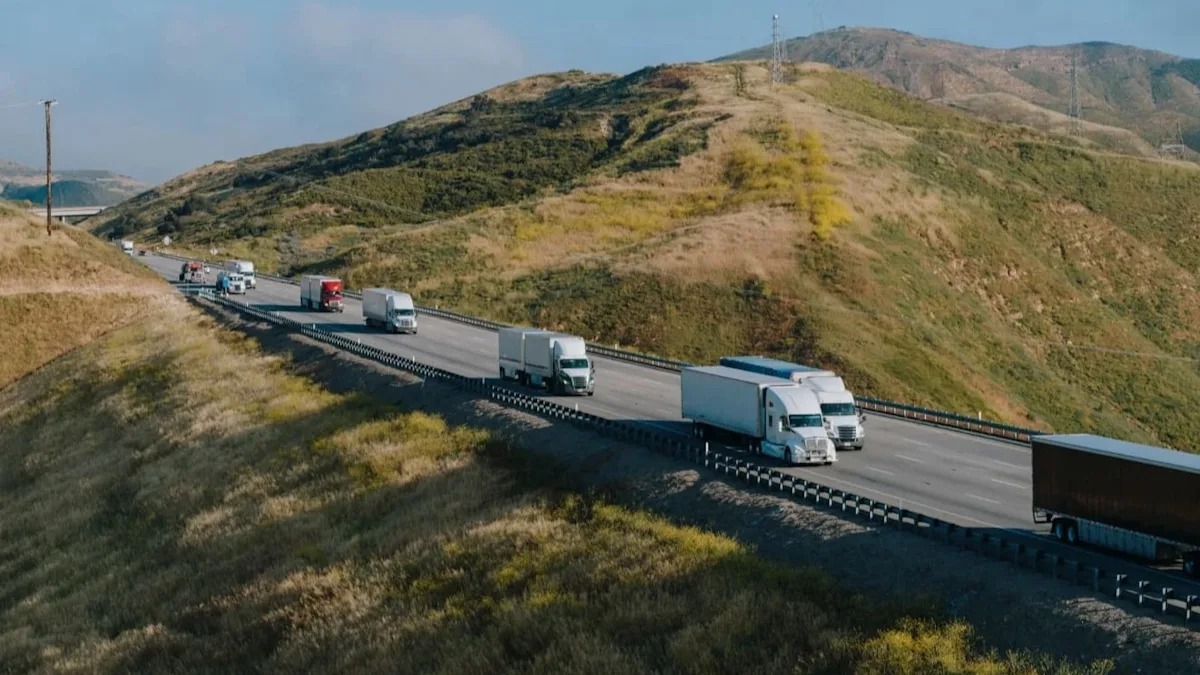
A closer look at the shipment visibility experience.
View your bookings in My Shipments. Tracking requires the same signed-in account.
New records start as Booked (demo). Canceling a booking updates the account record; it does not cancel a real truck.
Actual positions, delivery estimates, carrier milestones and proof of delivery need connected services. A static map is not GPS.
Explore the workflow, then use the shipment form when you are ready.
See the shipping guideEnter your shipment. Log in. See your price. Book online.